
COLLECT THE CITY

Point at a building.
Read its true story.

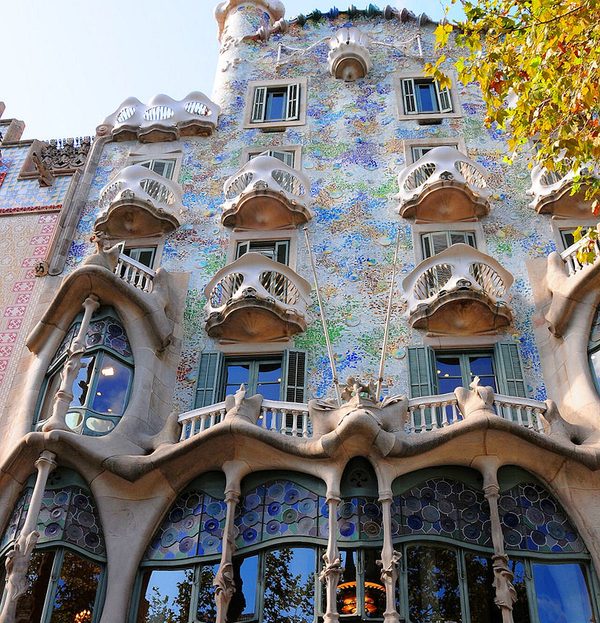
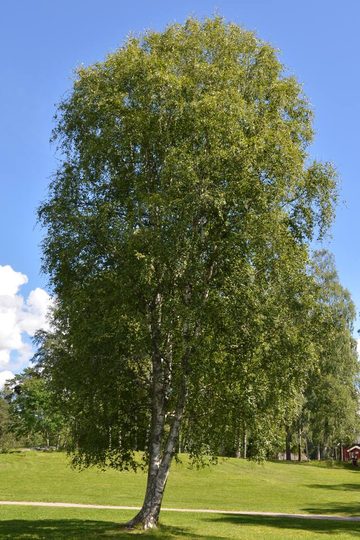
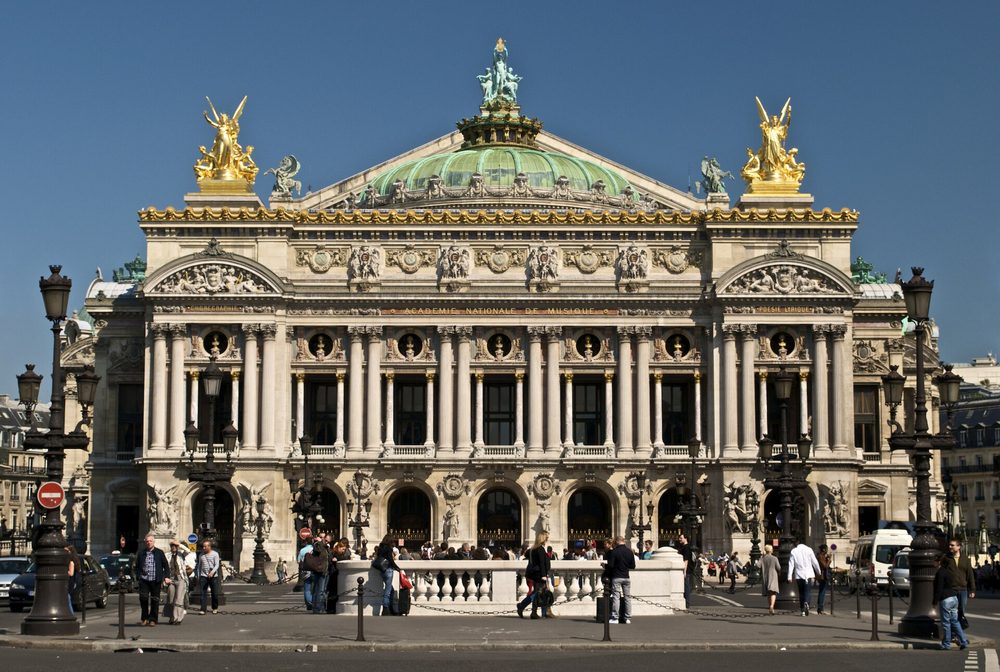
Flâneur names the buildings, trees and flowers you walk past, tells the story behind each one, with its source when there is one, and keeps every find in your own collection of the city.

Open Flâneur
QR code that opens flaneur-app.com/app
On your phone?
Scan to open Flâneur there.
Free · works in your browser · no account needed
TRY IT NOW

Try it on a photo you already have

A building from your last trip, a tree on your street. If the photo carries its location, Flâneur can name the exact building.

or drop it here

Your photo is used only to name the find. We don't keep it.

The Colosseum in Rome
Example find
Checked against WikipediaBUILDING

Colosseum

StyleAncient Roman
BuiltAD 72–80
CityRome

Nero built his Golden House here, with an artificial lake in front of it. The lake was filled in, and in AD 72 Vespasian began the amphitheatre; his son Titus finished it in 80. It is the largest amphitheatre the ancient world ever built, with room for an estimated 50,000 to 80,000 people.

The great earthquake of 1349 brought down its outer south side, and much of the fallen stone went into palaces, churches and hospitals across Rome. In 1749 Pope Benedict XIV endorsed the belief that early Christians were martyred here, though there is no historical evidence for it.

Opens Flâneur with this find saved in this browser. No account needed.

Point. Read. Collect.

One photo is all it takes. The rest happens while you walk.

1

Point

Frame a façade, a tree or a flower and take one photo.

2

Read

Get its name and the story behind it, with its source when there is one.

3

Collect

Every find joins your collection. Finds with a location pin themselves to your map.

RANKS

Grow into a flâneur

Every verified find moves you up. Only unique finds count: ten lilacs are one find.

Strollerstart
10Wanderer10 finds
25Observer25 finds
50Connoisseur50 finds
100Flâneur100 finds
YOUR MAP

Your city, mapped

Finds with a location pin themselves where you found them. Walk by walk, a map of stories only you have.

ON YOUR HOME SCREEN

Keep it one tap away

No App Store needed. On iPhone, in Safari:

1. Open Flâneur, then tap Share in SafariOn newer iPhones it sits behind the ••• button
2. Choose Add to Home Screen
3. Open Flâneur like any other app

On Android: open Flâneur, then choose Install app or Add to Home screen from Chrome's ⋮ menu.

Questions

The short answers, before you open it.

Is it free?

Yes. Open it in your browser and start scanning. No account needed, no card.

How do you know the stories are true?

When the photo has a location, Flâneur looks for the building in Wikipedia, Wikidata and OpenStreetMap records of that spot. A building it finds there shows that source, and when Wikipedia has an article about it, the story is written from that article. Without a record there is no source mark, and when it can't tell which building it is, it tells you about the style instead of guessing a name. Plants are checked with Pl@ntNet, a botanists' database, where it can.

Do I need to install anything?

No. Flâneur runs in your phone's browser. Add it to your home screen and it opens like any other app.

What happens to my photos?

Your finds stay on your phone. To name a find, the photo goes to our server, which passes it to OpenAI (and to Pl@ntNet for plants) and keeps no copy. The photo's location is used to look up nearby records in OpenStreetMap, Wikipedia and Wikidata. If you sign in, your collection is backed up to your account, hosted in Switzerland. Nothing is posted or shown to other people.

Where does it work?

Anywhere you walk. Plants and trees are recognised everywhere; buildings are named wherever maps and Wikipedia know them. When it can't name a building, Flâneur tells you about its style instead.